
Examples of Smart Home Devices for Every Home in 2026
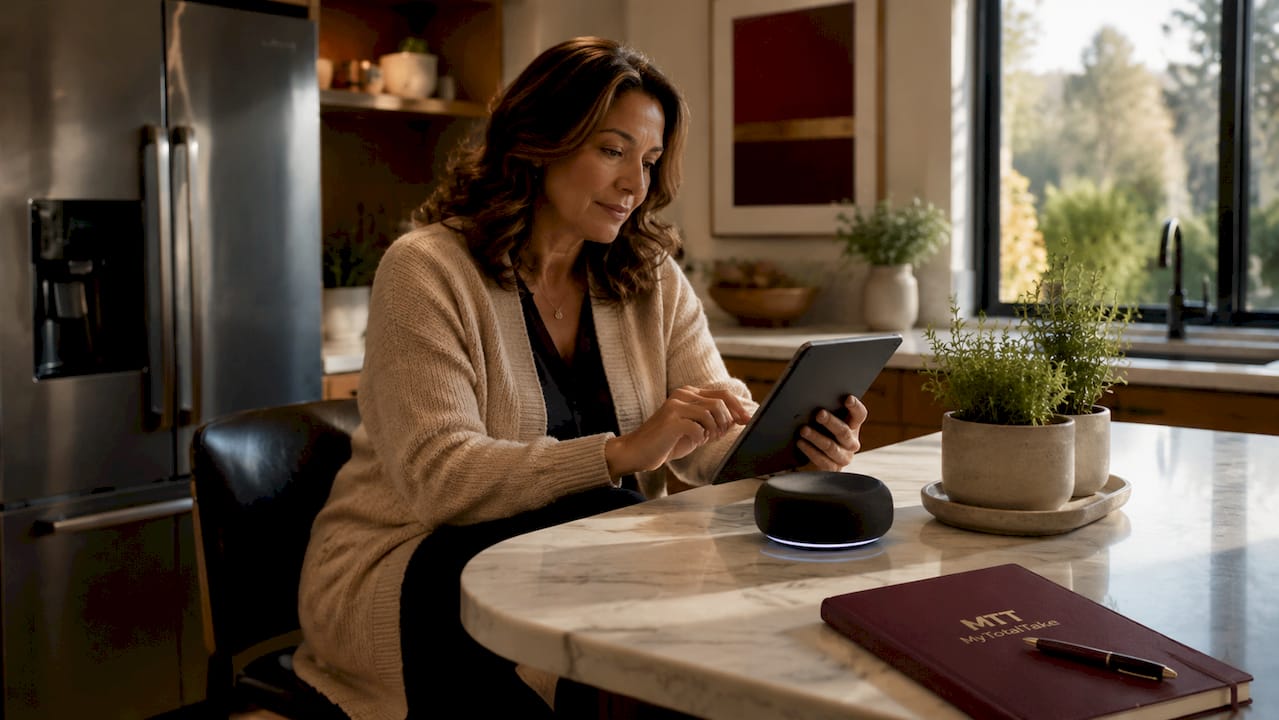
Smart home devices are internet-connected gadgets that automate, monitor, and control household functions through apps, voice commands, or programmed schedules. The most popular examples of smart home devices include the Nest Learning Thermostat, Philips Hue smart bulbs, Ring Video Doorbell, Amazon Echo, and August Smart Lock. These products represent the core of what the industry formally calls the Internet of Things (IoT) for residential use. Whether you own your home or rent an apartment, the right combination of IoT devices delivers real gains in convenience, security, and energy savings without requiring a full renovation.
1. What are the most popular categories of smart home devices?
Smart home gadgets fall into five core categories, each solving a distinct problem in your daily life. Understanding these types of smart home devices helps you prioritize spending and avoid buying redundant hardware.
- Smart thermostats (Nest, Ecobee, Honeywell Home T9): These learn your schedule and adjust heating and cooling automatically. Integrating a smart thermostat can reduce HVAC energy costs by 10–25%. That saving pays back the device cost within one to two heating seasons.
- Smart security devices (Ring, Arlo, SimpliSafe): Cameras, video doorbells, and smart locks give you real-time visibility and remote access to your home’s entry points.
- Smart lighting (Philips Hue, LIFX, Lutron Caseta): Bulbs and switches that respond to voice commands, schedules, or motion sensors. They cut lighting energy use and set the right mood for any room.
- Smart speakers and hubs (Amazon Echo, Google Nest Hub, Apple HomePod): These act as the control center for your entire smart home ecosystem, handling voice commands and device coordination.
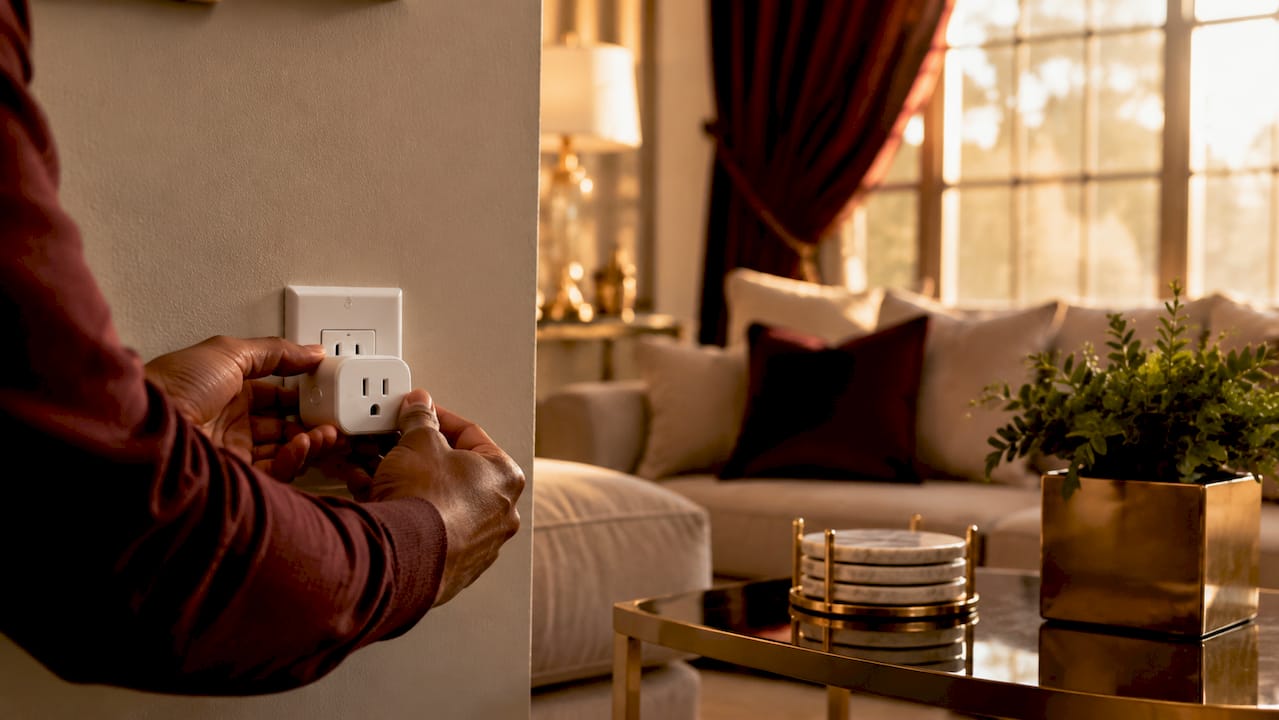
- Smart plugs and safety detectors (TP-Link Kasa, Nest Protect, First Alert Onelink): Plugs add remote on/off control to any appliance. Smoke and carbon monoxide detectors with app alerts add a critical safety layer.
Pro Tip: Start with one device from a single category before expanding. A smart plug costs under $20 and teaches you how your chosen ecosystem handles scheduling and automation before you commit to larger purchases.
2. How do smart home ecosystems and compatibility standards work?
The four major smart home platforms are Apple HomeKit, Google Home, Amazon Alexa, and Samsung SmartThings. Each creates a walled garden where devices communicate through a central hub or app. Choosing the wrong ecosystem early is the most expensive mistake a new smart home owner makes.
The Matter standard changes this picture significantly. Matter supports multi-platform integration for bulbs, plugs, locks, and thermostats through a “multi-admin” feature, meaning a single device can work across Apple HomeKit, Google Home, and Amazon Alexa simultaneously. That removes the biggest compatibility headache for mixed-brand households.
However, Matter has real limits. Matter does not standardize automation or scene syncing across platforms, so advanced features like camera feeds, robot vacuum controls, and complex routines still require each manufacturer’s native app. Matter is a foundation, not a complete solution.
When choosing your ecosystem, consider these factors:
- Privacy preference: Apple HomeKit processes camera data locally, which reduces cloud dependency compared to Ring or Nest cameras. If data privacy matters to you, HomeKit is the strongest option.
- Voice assistant loyalty: If you already use Alexa or Google Assistant on your phone, match your smart home platform to that habit.
- Hub device: Amazon Echo and Apple HomePod mini both function as Thread border routers, which improves connectivity for newer Matter devices.
- Ecosystem lock-in: Samsung SmartThings supports the widest range of third-party devices but requires more manual configuration than Apple or Google.
3. What are the best smart home devices for security and safety?
Security is the most common reason homeowners invest in smart home technology, and the product category has matured significantly. Here are the top device types with specific examples worth considering.
- Video doorbells: Ring Video Doorbell Pro 2 and Google Nest Doorbell deliver 1080p or higher video with motion zones, two-way audio, and package detection. You see who is at your door from anywhere in the world.
- Outdoor security cameras: Arlo Pro 5S and Eufy SoloCam S340 offer wire-free installation with local storage options. Local storage matters because it removes monthly subscription fees and keeps footage off third-party servers.
- Smart locks: August Wi-Fi Smart Lock and Schlage Encode Plus let you lock and unlock your door remotely, create temporary access codes for guests, and receive notifications when someone enters. Renters favor the August lock because it attaches to the existing deadbolt without replacing the exterior hardware.
- Door and window sensors: SmartThings Multipurpose Sensor and Aqara Door Sensor trigger alerts the moment a door or window opens unexpectedly. They cost under $25 each and integrate with nearly every major platform.
- Smoke and CO detectors: Nest Protect combines smoke and carbon monoxide detection with app alerts, voice warnings, and integration with smart thermostats to shut off HVAC during a fire event.
Pro Tip: For no-subscription security options, look at Eufy and Reolink cameras. Both offer local storage via microSD or NAS, so you get full functionality without paying a monthly fee.
Privacy is a real consideration with security cameras. Apple HomeKit Secure Video processes footage on your iPhone or iPad rather than in the cloud. That means Apple cannot access your video, and neither can advertisers.
4. How can smart home devices improve energy efficiency and convenience?
Energy savings are the most quantifiable benefit of a well-planned smart home. The table below shows the top device types, their primary function, and the realistic efficiency gain each delivers.
| Device type | Example products | Primary benefit | Efficiency gain |
|---|---|---|---|
| Smart thermostat | Nest Learning Thermostat, Ecobee SmartThermostat | Occupancy-based HVAC control | 10–25% reduction in HVAC costs |
| Smart lighting | Philips Hue, LIFX A19 | Automated schedules and dimming | Up to 80% less energy vs. incandescent |
| Smart plugs | TP-Link Kasa EP25, Wemo Insight | Monitor and cut standby power | Eliminates phantom load on idle appliances |
| Leak sensors | Moen Flo, Govee Water Sensor | Early leak detection | Prevents costly water damage |
| Smart blinds | Lutron Serena, IKEA Fyrtur | Automated solar shading | Reduces cooling load in summer months |
The Nest Learning Thermostat is the clearest example of home automation for energy savings. It builds a schedule based on your actual behavior over the first week, then refines it continuously. You do not need to program anything manually.
Smart plugs address a less obvious energy drain: standby power. A television, gaming console, and cable box left on standby can draw 50 watts continuously. A TP-Link Kasa smart plug with energy monitoring shows you exactly which devices are the worst offenders and lets you cut power on a schedule.
Leak and humidity sensors like the Moen Flo Smart Water Monitor go further by detecting abnormal water flow patterns that suggest a slow leak inside walls. Catching a leak early prevents the kind of structural damage that costs tens of thousands of dollars to repair.
5. What network and installation considerations should you keep in mind?
Your home network is the foundation every smart device depends on. Getting this wrong creates the frustrating experience of devices going offline, responding slowly, or refusing to connect.
Residential Wi-Fi networks degrade when managing more than 30–40 connected IoT devices. That threshold is easier to reach than it sounds once you count phones, laptops, smart TVs, and every smart bulb in the house. The fix is to use Zigbee or Thread mesh protocols for devices that support them. Zigbee and Thread reduce Wi-Fi load by creating a separate device network that communicates through a single hub rather than connecting every bulb directly to your router.
For renters, the priority is portability. Choose devices that do not require drilling or permanent wiring changes. The August Smart Lock, Philips Hue bulbs, and smart plugs all install and uninstall in minutes. Avoid hardwired light switches unless your lease explicitly permits electrical modifications.
Security hygiene matters as much as device selection. Default admin passwords and disabled two-factor authentication are the leading causes of unauthorized smart home access. Change every default password immediately, enable two-factor authentication on your hub app, and use a VPN for remote access rather than opening ports directly to the internet.
Experts recommend building your smart home gradually, starting with one test device to confirm ecosystem compatibility before buying in bulk. This approach also prevents app overload, where you end up managing six separate manufacturer apps with no unified control.
Key takeaways
The most effective smart home setup combines a compatible ecosystem, a stable network foundation, and devices chosen for your specific lifestyle needs rather than brand recognition alone.
| Point | Details |
|---|---|
| Start with high-impact devices | Smart thermostats and security cameras deliver the fastest measurable return on investment. |
| Choose one ecosystem first | Apple HomeKit, Google Home, or Amazon Alexa should be selected before buying any device. |
| Use Matter for flexibility | Matter-certified devices work across multiple platforms, reducing lock-in risk. |
| Protect your network | Change default passwords, enable two-factor authentication, and use VPN for remote access. |
| Build gradually | Test one device per category before expanding to avoid incompatibility and app overload. |
Why I think most people buy smart home devices in the wrong order
Most buyers start with the flashiest device they saw in a review, usually a smart speaker or a video doorbell, without thinking about the ecosystem it anchors them to. I have seen this pattern repeatedly, and it almost always leads to a drawer full of devices that do not talk to each other.
The smarter move is to start with a smart thermostat. It is the device with the clearest financial return, the widest ecosystem compatibility, and the most immediate daily impact. Once you see 15% off your energy bill, the logic of building a premium smart home becomes obvious rather than aspirational.
I also think the privacy conversation gets too little attention. Most people accept cloud-dependent cameras without realizing that their footage is stored on a third-party server and subject to that company’s data policies. Local processing options from Apple HomeKit or devices with onboard storage are worth the extra cost for anyone who values discretion.
Finally, do not underestimate your network. The most expensive smart home devices perform poorly on a congested Wi-Fi network. A mesh router system like Eero Pro or Google Nest WiFi Pro is often the best smart home investment you can make, because it makes everything else work better.
— Lysander
Complete your smart home with spaces worth showing off

A well-equipped smart home deserves interiors that match its quality. At Mytotaltake, we curate luxury furniture and premium home decor selected for craftsmanship, lasting elegance, and timeless design. Smart lighting hits differently when it illuminates a room furnished with intention. Our collections pair naturally with the technology upgrades you are making, giving every space the aesthetic to match its intelligence. Explore our high-end living room guide to see how design and technology work together at the highest level.
FAQ
What are the most common examples of smart home devices?
The most common smart home devices are smart thermostats (Nest, Ecobee), smart speakers (Amazon Echo, Google Nest Hub), smart lighting (Philips Hue), video doorbells (Ring), and smart locks (August, Schlage Encode). These five categories cover the core needs of convenience, security, and energy efficiency.
Do smart home devices work without a hub?
Many modern devices connect directly to Wi-Fi and work without a dedicated hub, including most Philips Hue bulbs, Ring cameras, and TP-Link Kasa plugs. However, Zigbee and Z-Wave devices require a hub or a compatible border router like Amazon Echo or Apple HomePod mini.
Is the Matter standard worth looking for in 2026?
Matter certification is worth prioritizing because it allows one device to work across Apple HomeKit, Google Home, and Amazon Alexa simultaneously. The limitation is that advanced features like camera feeds and complex automations still require each brand’s native app.
Are smart home devices safe for renters?
Smart home devices like smart plugs, Philips Hue bulbs, and the August Smart Lock are fully renter-friendly because they require no permanent installation. Always check your lease before modifying light switches or installing hardwired devices.
How many smart devices can a home Wi-Fi network handle?
Most residential Wi-Fi networks begin to degrade in performance beyond 30–40 connected devices. Using Zigbee or Thread mesh protocols for bulbs and sensors offloads traffic from your router and keeps response times fast as your device count grows.











Leave a comment