
$20 to $60 to Start Smart Lighting: Three Phase Roadmap for Homeowners
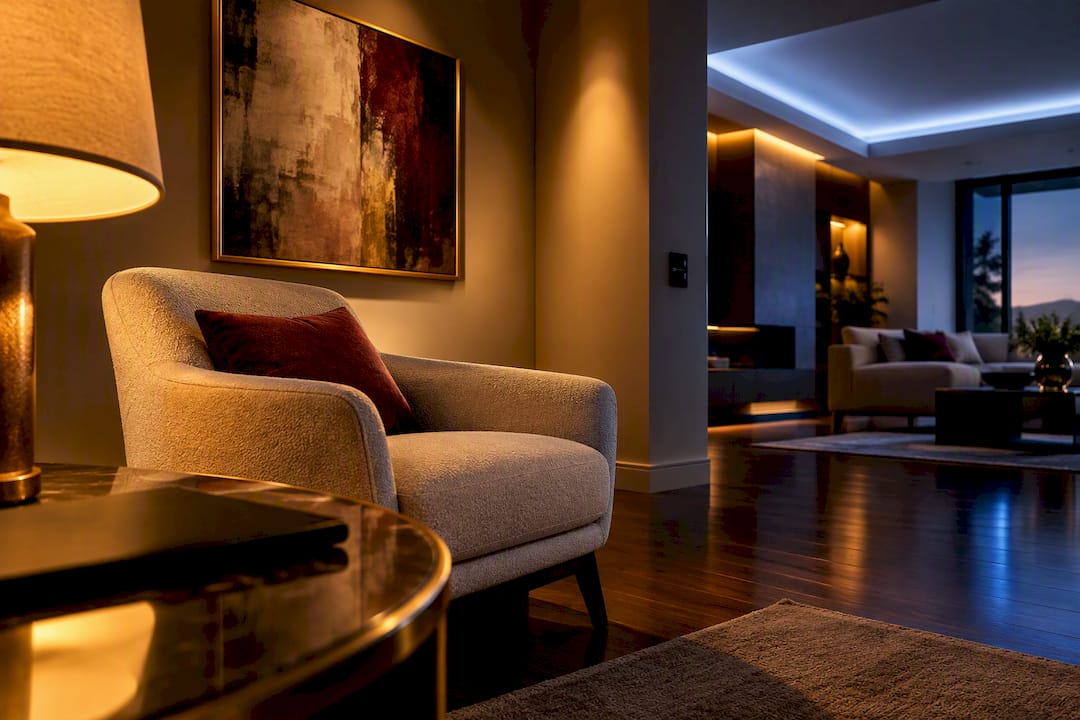
Smart lighting is LED lighting you control over a home network instead of a wall switch alone, using an app, voice assistant, or automated schedule. The single best first step is to start small: install one smart bulb or plug in one room, learn the app, and expand from there. LED efficiency, circadian lighting routines, and a curated hub like Mytotaltake’s own device selection make that first step easy to scale later.
TL;DR:
- Wi-Fi bulbs are easiest for beginners but can strain your router as you add more devices, while Zigbee and Z-Wave offer better reliability with a hub in larger setups.
- Smart bulbs are ideal for individual fixtures and DIY renters, but smart switches are better for ceiling fixtures or permanent upgrades where wiring changes are possible.
- Check for a neutral wire at the switch box before choosing a smart switch, and avoid pairing smart bulbs with dimmer switches to prevent flickering and damage.
- Starting small with one bulb or plug in a single room helps learn the system before expanding to hubs, other rooms, and outdoor fixtures in a phased approach.
- Protect your privacy by using strong, unique passwords, enabling two-factor authentication, and isolating smart devices on a separate Wi-Fi network.
Table of Contents
- How Smart Lighting Works: Protocols, Hubs, and Voice Control
- Types of Smart Lighting Products and Where Each One Belongs
- Bulbs vs. Switches vs. Plugs: How to Decide
- Setting Up Your First Smart Lighting System, Step by Step
- Common Mistakes and How to Fix Them
- Why Smart Lighting Is Worth the Investment
- Your Three-Phase Roadmap to Getting Started
- Smart Lighting Security and Privacy: What to Watch For
- When Brands Don’t Play Well Together
- A Designer’s Take on Smart Lighting
- Shop Smarter: Where to Find Compatible Smart Lighting Gear
- Sources
- FAQ
How Smart Lighting Works: Protocols, Hubs, and Voice Control
Every smart bulb, switch, or plug talks to your home network through a radio protocol, and the protocol you choose determines how reliable, fast, and expandable your setup will be. Understanding this piece of smart lighting basics up front saves you from buying devices that fight each other later.
Four protocols dominate the category. Wi-Fi bulbs connect straight to your router, no extra hardware needed, which makes them the easiest entry point for beginners. Bluetooth works similarly but has a shorter range and typically limits you to controlling devices from inside the home. Zigbee and Z-Wave are mesh protocols: devices relay signals to each other rather than each one hogging a router connection, but they require a hub or bridge to translate that mesh network into something your phone understands. Thread is a newer, low-power mesh standard, and Matter is the interoperability layer designed to run on top of it, letting devices from different brands work together more smoothly. Thread needs a border router, such as a HomePod Mini or a compatible Wi-Fi router, to function, and Matter support is worth checking if you want a system that won’t feel outdated in three years.
The hub question comes down to scale and reliability. A hubless setup, meaning Wi-Fi bulbs paired directly to your router, works fine for a handful of devices. Once you’re running a dozen or more lights, though, Wi-Fi bulbs can strain your router’s capacity, while Zigbee or Z-Wave mesh networks actually get more reliable as you add mains-powered devices, since each one acts as a repeater for the others.
Voice control layers on top of whichever protocol you pick. Amazon Alexa, Google Assistant, and Apple’s Siri through HomeKit all link to your lighting app via account pairing, usually a two-minute process inside the smart home app itself.
A quick reliability snapshot:
- Wi-Fi bulbs: simplest setup, no hub required, but router load increases with device count
- Zigbee/Z-Wave: needs a hub, but coverage improves as you add devices
- Thread/Matter: emerging standard, requires a border router, built for cross-brand compatibility
- Bluetooth: shortest range, best for single-room or budget setups
Pro Tip: If you already own a HomePod Mini, Amazon Echo (4th generation or later), or a Google Nest Hub, check whether it doubles as a Thread border router before buying a separate hub. Many recent models do.
Types of Smart Lighting Products and Where Each One Belongs
Smart lighting basics start with knowing what’s actually on the shelf, because “smart light” covers at least five distinct product categories, each suited to a different fixture or room.
Smart bulbs come in two flavors: white/tunable white, which shifts from warm to cool tones, and full color, which adds RGB for accent and mood lighting. They screw into any standard socket, making them ideal for table lamps, floor lamps, and single-bulb fixtures where you want flexibility without rewiring anything.
Smart switches replace the physical wall switch and control whatever’s wired to that circuit, whether it’s one bulb or a six-bulb chandelier. This matters because a smart switch keeps power flowing to the fixture consistently, which is exactly what multi-bulb ceiling fixtures need.
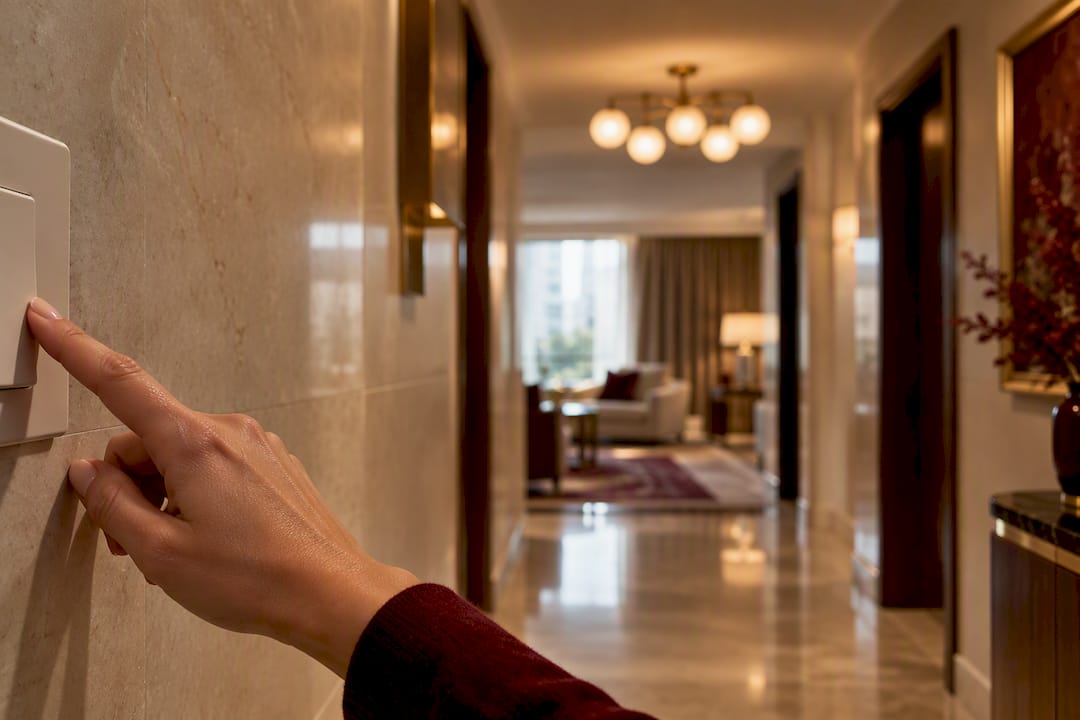
Smart plugs turn any lamp into a smart device without touching the bulb itself. They’re the cheapest, fastest way to smarten up a reading lamp or a string of seasonal lights, and they require zero rewiring since you’re just controlling the outlet.
LED strips handle decorative and accent lighting, under-cabinet glow, behind-the-TV backlighting, and stair-tread illumination, and most sync with the same app as your bulbs.
Outdoor and weatherproof fixtures cover porch lights, pathway lights, and motion-triggered security lighting, built to handle temperature swings and moisture that indoor bulbs can’t survive.
Here’s where each type fits best:
- Lamps and portable fixtures → smart bulbs or smart plugs
- Overhead fixtures and chandeliers → smart switches
- Accent and mood lighting → color-changing bulbs or LED strips
- Seasonal or temporary lighting → smart plugs
- Entryways and yards → weatherproof outdoor fixtures with motion sensors
Most homes end up with a hybrid mix, and that’s the right outcome, not a compromise. A living room lamp might run on a smart bulb while the kitchen ceiling fixture runs on a smart switch, because the fixture type, not personal preference, should drive the choice.
Bulbs vs. Switches vs. Plugs: How to Decide
Beginners waste more money on the wrong device type than on the wrong brand. This decision framework fixes that.
- Do you rent or own? Renters should lean on bulbs and plugs, since neither requires touching wiring, while owners have the option to install switches for permanent upgrades.
- What’s the fixture? A single-bulb lamp or sconce is a job for a smart bulb. A ceiling fixture with two or more bulbs on one switch is a job for a smart switch, because it controls the whole circuit at once.
- Do you want color-changing light? Choose smart bulbs. Switches control on/off and dimming for whatever bulb is installed but can’t add color to a plain white bulb.
- Is there a neutral wire at the switch box? Many smart switches require one, and older homes sometimes lack it. Check before buying a switch, not after.
- What’s your budget and how many rooms are you tackling? Smart plugs and single bulbs are the cheapest entry point; switches cost more but scale better across a whole room.
The rule that trips up more beginners than any other: never put a smart bulb on a circuit controlled by a traditional dimmer switch. Dimmers cut power in ways smart bulbs weren’t built to handle, which can cause flickering, unresponsiveness, or even damage the bulb’s internal electronics over time. If the fixture already has a dimmer, replace it with a smart switch or a compatible dumb switch left in the “on” position, and let the bulb handle dimming through the app.
Pro Tip: Stick to one ecosystem for your first few devices, even if a competing brand’s bulb looks slightly cheaper. Mixing brands early on often means juggling three apps just to turn off your living room lights, and automations rarely work as smoothly across ecosystems as they do within one.
Setting Up Your First Smart Lighting System, Step by Step
Getting the sequence right the first time avoids most of the frustration beginners run into.
Before you buy anything:
- Confirm your router broadcasts a 2.4 GHz network; most smart bulbs pair on 2.4 GHz, not 5 GHz, and won’t show up during setup if your router only broadcasts the faster band
- Check whether the switch box has a neutral wire if you’re buying a smart switch
- Download the manufacturer’s app and create an account before your devices arrive, so setup isn’t held up by account verification emails
Setting up Wi-Fi bulbs:
- Screw in the bulb and power it on; most bulbs blink or pulse to signal pairing mode.
- Open the app, select “add device,” and follow the on-screen pairing steps.
- If the bulb doesn’t connect, power cycle it (off for 10 seconds, then on) and try again.
- If it still fails, perform a factory reset, usually done by rapidly switching the wall power off and on in a specific pattern listed in the bulb’s manual.
Setting up a hub-based system (Zigbee/Z-Wave):
- Plug in the hub near the center of your home and connect it to your router via ethernet or Wi-Fi.
- Put the hub into pairing mode through its app.
- Power on each bulb or switch one at a time and let the hub discover it.
- Local hub control keeps your lights responsive even during internet outages and often allows out-of-home access through the hub’s cloud account.
Once devices are paired, link your app to Alexa, Google Assistant, or HomeKit through the assistant’s own app, group devices into rooms, and build simple scenes. From there, try a sunrise/sunset schedule, a motion-triggered porch light, or an “arriving home” routine that turns on the entry hall as your phone connects to Wi-Fi.
Common Mistakes and How to Fix Them
Most smart lighting headaches trace back to one of five issues, and all five have a quick fix.
- Flickering or unresponsive bulbs on a dimmer circuit: replace the dimmer with a smart switch, or move the bulb to a plug-controlled lamp instead.
- No neutral wire at the switch: some smart switches now support no-neutral installs, but many don’t; check the specification sheet before buying, and if in doubt, use a smart plug or bulb instead.
- Router keeps dropping bulbs: you may be near the device limit on a single Wi-Fi band; a mesh router or a Zigbee/Z-Wave hub reduces the load since mesh devices repeat signals to each other instead of overwhelming the router.
- Motion sensors triggering late or missing movement: reposition the sensor at a 45 degree angle to the walking path rather than facing it head-on, and check battery levels monthly if it’s not hardwired.
- Three-way switch confusion: a fixture controlled by two physical switches (common in hallways and stairwells) needs a smart switch designed specifically for three-way wiring, not a standard single-pole model.
Pro Tip: If a fix requires rewiring a switch box, adding a neutral wire, or touching anything behind the wall plate, call a licensed electrician. Smart lighting is a weekend DIY project right up until it involves house wiring.
Why Smart Lighting Is Worth the Investment
The energy case is straightforward: LEDs use far less electricity and last dramatically longer than incandescent bulbs, and smart controls add a second layer of savings by making sure lights aren’t left on in empty rooms. Automated schedules and motion sensors trim the small but constant waste of forgotten lights, while the standby power a smart bulb draws to stay network-connected is minor compared to what you save by not running a full fixture overnight.
Beyond the electric bill, the everyday convenience is what actually changes how you live in a space:
- Circadian, tunable-white routines ease you awake with cooler light in the morning and wind you down with warmer tones in the evening
- Motion-activated exterior lighting means you’re never fumbling for a switch at the front door
- Presence-mimicry routines turn lights on and off in patterns that make an empty house look occupied while you’re traveling
- Arrival routines light the entry hall automatically the moment your phone connects to home Wi-Fi
None of this requires a whole-home overhaul to feel worthwhile. Even one automated room delivers a noticeably different experience than a plain switch ever did.
Your Three-Phase Roadmap to Getting Started
A phased rollout keeps costs predictable and lets you learn one ecosystem before committing further.
- Phase 1: Test one room. Buy a starter kit or a single smart bulb and a smart plug, typically $20 to $60 total, and live with it for a couple of weeks. This single-room test is the step most guides recommend before any larger purchase.
- Phase 2: Expand to a hub and additional rooms. Once you’re comfortable with the app, add a Zigbee or Z-Wave hub if you’re scaling past six or seven devices, plus bulbs or switches for two or three more rooms. Expect $100 to $300 depending on room count and switch versus bulb mix.
- Phase 3: Refine automations and go outdoor. Add motion sensors, outdoor fixtures, and scene-based routines. Outdoor smart fixtures typically run $30 to $80 each, and this is the phase where the system starts running itself.
Before buying anything, confirm ecosystem compatibility across devices, check whether a hub is required, verify the neutral wire situation for any switch, and note the retailer’s return window in case a device doesn’t pair reliably in your home.
Smart Lighting Security and Privacy: What to Watch For
Every smart bulb connects to your home network, which means it’s a small computer, not just a light source, and that carries privacy tradeoffs beginners rarely think about upfront.
The biggest exposure point is the account layer. Most smart lighting apps require an email-linked account, and that account often has access to your daily routines: when lights turn on, when they turn off, and by extension, when you’re likely home or away. Use a unique, strong password for each smart home app, and enable two-factor authentication wherever the manufacturer offers it.
Router-level habits matter just as much as app settings. Keeping your router’s firmware updated closes known vulnerabilities that older smart devices sometimes expose. If your router supports a guest or IoT network, putting smart bulbs on a separate network segment from your laptops and phones limits what a compromised bulb could ever reach.
Voice assistant integration adds one more layer worth a glance: review what permissions Alexa, Google Assistant, or HomeKit have been granted, and periodically check the activity history most platforms keep. None of this should scare you away from smart lighting. It just means treating your lighting app with the same basic hygiene you’d apply to any other account tied to your home.
When Brands Don’t Play Well Together
Cross-brand compatibility is the single biggest source of beginner frustration, and it’s rarely mentioned on the product box. A Wi-Fi bulb from one manufacturer and a switch from another might both claim “smart home compatible,” yet still require two separate apps with no shared automation between them.
The root cause is protocol fragmentation. Zigbee devices from different brands sometimes use proprietary variations that prevent them from joining a competitor’s hub, even though both technically run on Zigbee. Z-Wave has stricter certification standards and tends to interoperate more consistently across brands, but it’s a smaller ecosystem overall.
Matter is the industry’s attempt to fix this, giving devices from different manufacturers a common language so a bulb, a switch, and a hub from three different brands can theoretically live in one automation. Adoption is still uneven. Some manufacturers have added full Matter support to existing products through firmware updates; others require buying new, Matter-certified hardware entirely.
The practical fix for now: check the box or product listing for explicit compatibility claims (Zigbee, Z-Wave, Matter, or a specific voice assistant) before buying, and when in doubt, stay within one ecosystem for your core devices. Mixing brands is manageable for simple on/off control. It gets messy fast once you’re trying to build shared scenes or automations across them.
A Designer’s Take on Smart Lighting
Good lighting design and good lighting technology solve different problems, and the best rooms treat them as one decision, not two. When you’re selecting fixtures, look for smart bulbs that fit inside a fixture you’d have chosen anyway, not the other way around. A tunable white bulb tucked into a well-proportioned sconce reads as considered design; a visible plastic hub sitting on a console table does not.
Finish and form still carry the room. Choose switches and plugs in finishes that match your hardware, and let fixtures that already feel premium carry the technology quietly rather than announcing it. The goal is a home that feels effortless, with the automation working in the background where it belongs.
— Lysander
Shop Smarter: Where to Find Compatible Smart Lighting Gear
There are curated selections of tech gadgets and home essentials designed to help you avoid sorting through hundreds of near-identical listings to find one bulb that fits your ecosystem. Every category is selected for craftsmanship and lasting quality, with fast delivery and free returns, which matters more than it sounds like it should when a hub or switch doesn’t pair the way the listing promised.

Before you check out, confirm two things: which ecosystem (Wi-Fi, Zigbee, Z-Wave, or Matter) your chosen devices use, and whether a hub is required to run them. Mytotaltake’s Gadgets collection is a solid starting point for smart bulbs, switches, and hubs, while Home & Garden covers the fixtures and finishes that make the technology disappear into the room. If you want a broader look at where smart lighting fits into a fully connected home, the Advanced Technologies hub is worth a browse before you commit to your first purchase.
Sources
This guide draws on a handful of sources that specialize in the technical and practical side of smart lighting: TechRadar’s smart lighting primer for circadian lighting and phased rollout advice, The Verge’s bulb and switch guide for wiring risks and Thread/Matter context, TechnoWifi’s setup guide for protocol trade-offs, Crutchfield’s smart lighting guide for setup checklists, and Nex AV’s device breakdown for smart plug basics.
- Smart lights 101: everything you need to know to level up your lighting | TechRadar
- The Verge guide to smart bulbs and switches
- What is Smart Lighting? Setup Guide for 2026 – TechnoWifi
- Smart lighting guide | Crutchfield
FAQ
How Does Smart Lighting Actually Work?
Smart lighting works by connecting bulbs, switches, or plugs to your home network through a radio protocol like Wi-Fi, Zigbee, or Z-Wave, then letting you control them through an app or voice assistant instead of only a physical switch. Wi-Fi devices pair directly to your router, while Zigbee and Z-Wave devices route through a hub that translates the mesh network into commands your phone can send.
What Are the Downsides of Smart Lights?
The main downsides are upfront cost, occasional cross-brand compatibility gaps, and setup issues like flickering bulbs on dimmer circuits or routers that struggle once too many Wi-Fi devices are connected. Placing a smart bulb on a dimmer-controlled circuit can damage its electronics over time, so that mistake is worth avoiding from day one.
Do Smart Lights Raise the Electric Bill?
Smart lights typically lower your electric bill rather than raise it, since LEDs use far less energy and last much longer than incandescent bulbs, and automated schedules cut down on lights left on in empty rooms. The small standby power a smart bulb uses to stay connected is minor compared to the savings from not running a full fixture unnecessarily.
Can You Give an Example of Smart Lighting in Practice?
A common example is a smart bulb in a bedroom lamp paired with a sunrise routine: the bulb gradually brightens and shifts to cooler light in the morning, then dims to warm tones in the evening. Another everyday example is a motion-activated outdoor fixture that turns on automatically as someone approaches the front door.
What’s the Best First Smart Lighting Purchase for a Beginner?
Most guides recommend starting with a single smart bulb or a starter kit in one room before expanding to a hub or additional rooms. Mytotaltake’s curated Gadgets collection offers a straightforward place to compare entry-level bulbs, plugs, and hubs without wading through dozens of near-identical listings.










Leave a comment